Tabs Component
Hide and disclose panels of content via a series of interactive tabs.
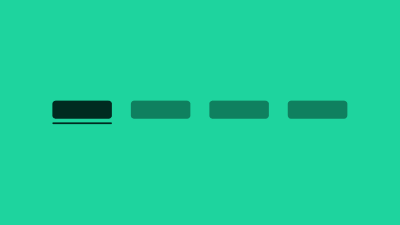
Tabs allow the user to switch between multiple panels of content. By decluttering the user-interface in this way, we say that tabs follow the principal of progressive disclosure .
Selecting a tab should update the visible panel without a full page reload. If a full page load is required instead (i.e. acting like a link), please see the fake tab section below for more details.
Terminology
We use the following terminology when discussing this pattern.
- tabs : the composite patterns as a whole, containing a tablist, tabs and tabpanels
- tabs heading : the heading that immediately precedes the tabs widget
- tab list : contains two or more tabs
- tab : a type of button that displays it's associated tabpanel
- selected tab : the currently selected tab
- tab panel : contains the content related to the tab
- tab heading : the offscreen heading that maintains correct heading structure