Pagination Component
Navigate between pages of results.
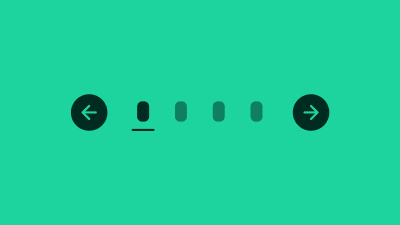
Pagination allows a user to navigate back and forth through a URL based dataset, or jump directly to any specific URL in that set.
The pagination set has a maximum of seven items. An item can be a page number or an overflow element (see next section).
Traditional MPA pagination uses links to reload the entire page when clicked. For SPAs, this default click event behaviour can be prevented with JavaScript.
Terminology
We use the following terminology when discussing this pattern.
- Pagination : the composite pattern as a whole, containing the items defined below
- Previous : Link that navigates to previous page of results
- Next : Link that navigates to next page of results
- Items : Links that navigate to exact page of results
- Bookends : Collective name for the previous and next links, as they 'bookend' the navigation items
- Current Page : The current resultset index, as reflected in the pagination UI
- Client-Side Pagination : Pagination links trigger page content updates via AJAX
- Server-Side Pagination : Pagination links trigger page content updates via full page reload