Number Input Component
A numeric input field with prominent increase/decrease buttons.
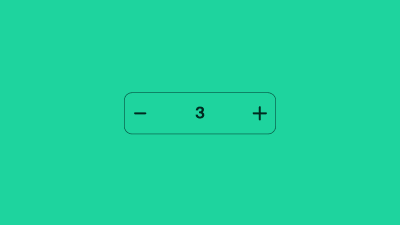
A number input allows users to select a number from a range of values. It consists of an input field and two buttons to increase or decrease the value.
The default number type input field in HTML includes two small spin buttons to increase or decrease the input's value by one. Our number input pattern visually hides these default spin buttons, replacing them with larger increase and decrease buttons that perform the same function while providing more tap affordance for pointer users.
Authors may implement a "quantity input" variant, which builds upon the number input pattern by adding a delete button. This variant can be useful in interfaces like digital carts, where users may prefer to remove items entirely rather than setting their quantity to zero.
Terminology
We use the following terminology when discussing this pattern.
- Input field : The HTML input field with type="number"
- Increase & decrease buttons : increase or decrease the value by one
- Quantity-input : variant of pattern used in a shopping cart
- Delete button : shown in quantity-input variant only, when value reaches minimum