Button Component
A control for executing JavaScript or submitting/resetting form values
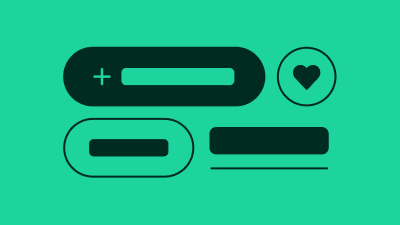
A button is typically used to trigger a JavaScript action (e.g. fetch results, open a dialog or expand a menu). In this case, the <button> tag is required .
A button may also be used to submit or reset a form. In this case use the <button> tag with type=submit or type=reset respectively. Use of the <input> tag is not currently supported.
Finally, a link may be styled to look like a button. We call this a fake button. In this case the <a> tag is required with a valid HREF attribute.