Avatar Component
Default Avatar
The default avatar displays the first letter of the user's name.
E
<div class="avatar" role="img" aria-label="Profile picture - E">
  <span> E </span>
</div>
The default avatar can have a background color of teal, light-teal, green, lime, yellow, orange, magenta, or pink.
NOTE: An avatar with an image should not use color modifier, otherwise the image-treatment scrim will not be applied.
A
B
C
D
E
F
G
H
<div class="avatar avatar--teal" role="img" aria-label="Profile picture - A">
  <span> A </span>
</div>
<div
  class="avatar avatar--light-teal"
  role="img"
  aria-label="Profile picture - B"
>
  <span> B </span>
</div>
<div class="avatar avatar--green" role="img" aria-label="Profile picture - C">
  <span> C </span>
</div>
<div class="avatar avatar--lime" role="img" aria-label="Profile picture - D">
  <span> D </span>
</div>
<div class="avatar avatar--yellow" role="img" aria-label="Profile picture - E">
  <span> E </span>
</div>
<div class="avatar avatar--orange" role="img" aria-label="Profile picture - F">
  <span> F </span>
</div>
<div class="avatar avatar--magenta" role="img" aria-label="Profile picture - G">
  <span> G </span>
</div>
<div class="avatar avatar--pink" role="img" aria-label="Profile picture - G">
  <span> H </span>
</div>
Custom Avatar
Avatars can be customized with an image.
NOTE: Sighted users can visually distinguish an avatar based on the image; for non-sighted users the equivalent experience is the name of the user (not a description of the image contents, e.g. "dog in car"!).
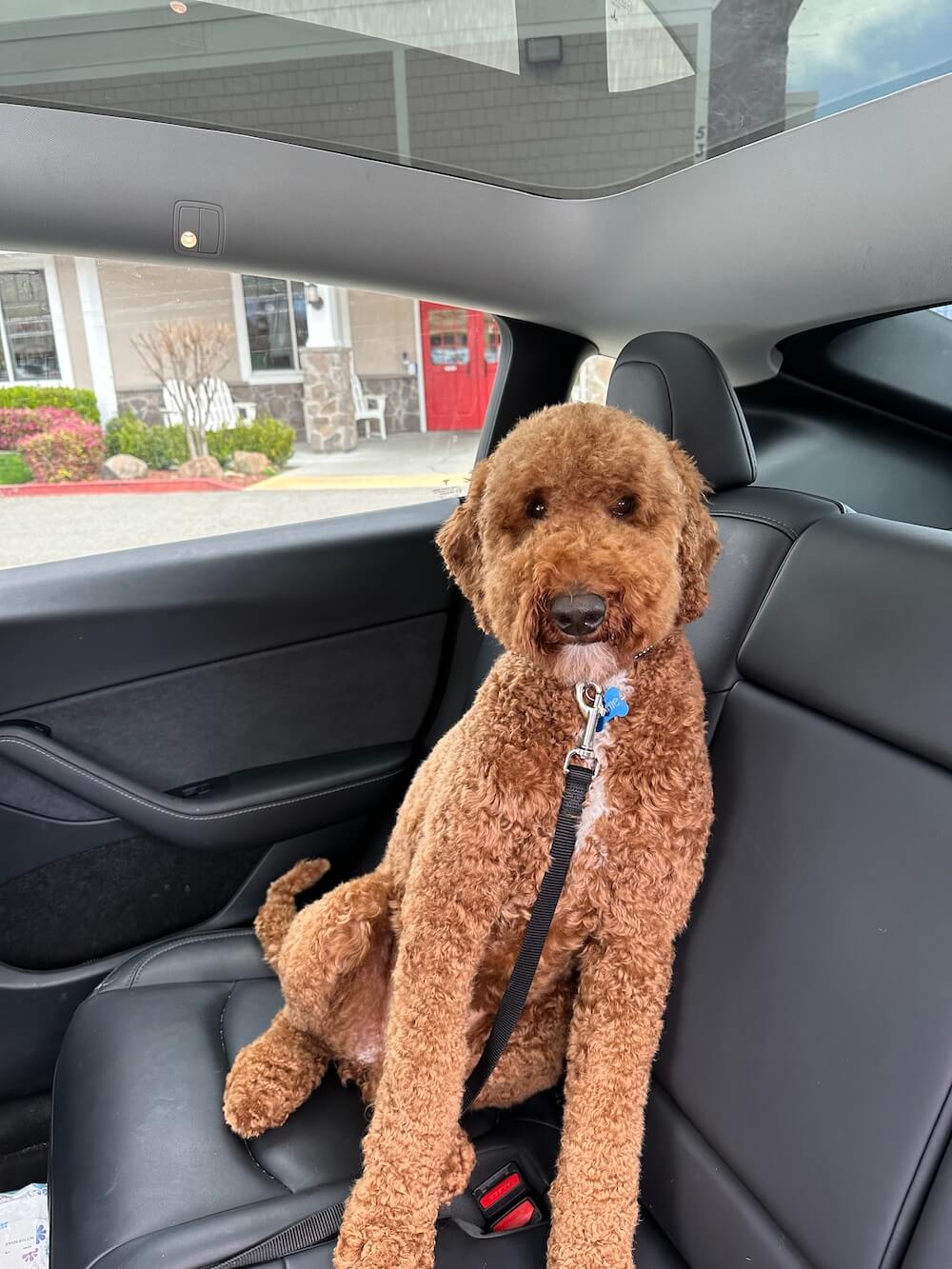
<div class="avatar" role="img" aria-label="Profile picture - Elizabeth">
  <img
    src="https://ir.ebaystatic.com/cr/v/c01/skin/docs/dog_profile_optimized.jpg"
    alt=""
  />
</div>
Custom Avatar with Fit
When the image aspect ratio is below 3:4 and not a square, you can add .avatar--fit to make the image fit inside the container
<div
  class="avatar avatar--fit"
  role="img"
  aria-label="Profile picture - Elizabeth"
>
  <img
    src="https://ir.ebaystatic.com/cr/v/c01/skin/docs/dog_profile_optimized.jpg"
    alt=""
  />
</div>
Signed-Out Avatar
The avatar-signed-out icon is used to a represent a user that is not signed in.
<div class="avatar" role="img" aria-label="Profile picture - Signed out">
  <svg class="icon" aria-hidden="true">
    <use href="#icon-avatar-signed-out" />
  </svg>
</div>
Avatar Sizes
Avatars can have a size of 32, 40, 48, 56, 64, 96 or 128 pixels.
<div
  class="avatar avatar--32"
  role="img"
  aria-label="Profile picture - Elizabeth"
>
  <img
    src="https://ir.ebaystatic.com/cr/v/c01/skin/docs/dog_profile_optimized.jpg"
    alt=""
  />
</div>
<div
  class="avatar avatar--40"
  role="img"
  aria-label="Profile picture - Elizabeth"
>
  <img
    src="https://ir.ebaystatic.com/cr/v/c01/skin/docs/dog_profile_optimized.jpg"
    alt=""
  />
</div>
<div
  class="avatar avatar--48"
  role="img"
  aria-label="Profile picture - Elizabeth"
>
  <img
    src="https://ir.ebaystatic.com/cr/v/c01/skin/docs/dog_profile_optimized.jpg"
    alt=""
  />
</div>
<div
  class="avatar avatar--56"
  role="img"
  aria-label="Profile picture - Elizabeth"
>
  <img
    src="https://ir.ebaystatic.com/cr/v/c01/skin/docs/dog_profile_optimized.jpg"
    alt=""
  />
</div>
<div
  class="avatar avatar--64"
  role="img"
  aria-label="Profile picture - Elizabeth"
>
  <img
    src="https://ir.ebaystatic.com/cr/v/c01/skin/docs/dog_profile_optimized.jpg"
    alt=""
  />
</div>
<div
  class="avatar avatar--96"
  role="img"
  aria-label="Profile picture - Elizabeth"
>
  <img
    src="https://ir.ebaystatic.com/cr/v/c01/skin/docs/dog_profile_optimized.jpg"
    alt=""
  />
</div>
<div
  class="avatar avatar--128"
  role="img"
  aria-label="Profile picture - Elizabeth"
>
  <img
    src="https://ir.ebaystatic.com/cr/v/c01/skin/docs/dog_profile_optimized.jpg"
    alt=""
  />
</div>